No More Queues! Download Your Aadhaar Card via WhatsApp in Just Seconds
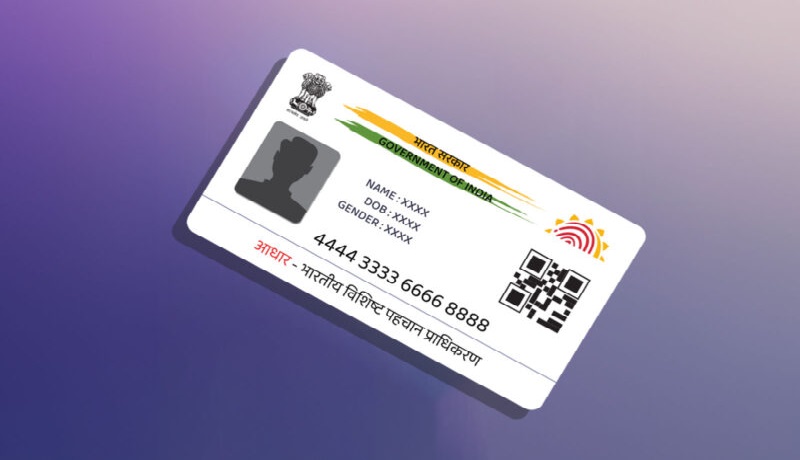
In an era of digital transformation, the Government of India has made life significantly easier for citizens by integrating essential services with platforms we use daily. Gone are the days when you had to visit a physical center or navigate complex websites to get a copy of your Aadhaar card. Now, the MyGov Helpdesk on WhatsApp allows you to access and download your Aadhaar card instantly.
How to Download Your Aadhaar on WhatsApp: The process is seamless and user-friendly. First, save the official MyGov Helpdesk number +91-9013151515 in your contacts. Open WhatsApp and send a message saying ‘Hi’ or ‘Digilocker’ to this number. The automated chatbot will respond with options; select ‘Digilocker Services’. You will then be asked if you have a DigiLocker account. After confirming, enter your 12-digit Aadhaar number for authentication. An OTP will be sent to your registered mobile number for security purposes. Once you enter the OTP, the system will verify your identity and instantly provide a downloadable PDF version of your Aadhaar card.
This digital Aadhaar is legally valid under the IT Act and can be used for various official verifications. This initiative ensures that you always have your identity proof at your fingertips, making documentation hassle-free for everyone.

- Author
- Mother Sold Jewelry for His Shoes, Today He Crushed Rajasthan Royals: Sakib’s 4-Wicket Masterclass! April 14, 2026
- "They Aren't Men of Dialogue!" Iran’s Top Envoy Slams US Duplicity in Explosive Interview! April 14, 2026
- India’s Sky Guardian 'Sheshnaag-150', Indigenous Loitering Munition with 1000km Range April 14, 2026
- A Life of Music and Duty, Arati Mukherjee Pays a Tearful Tribute to the Versatile Asha Bhosle April 14, 2026
- National Gardening Day 2026: Transform Your Small Balcony into a Lush 'Mini Forest' April 14, 2026